
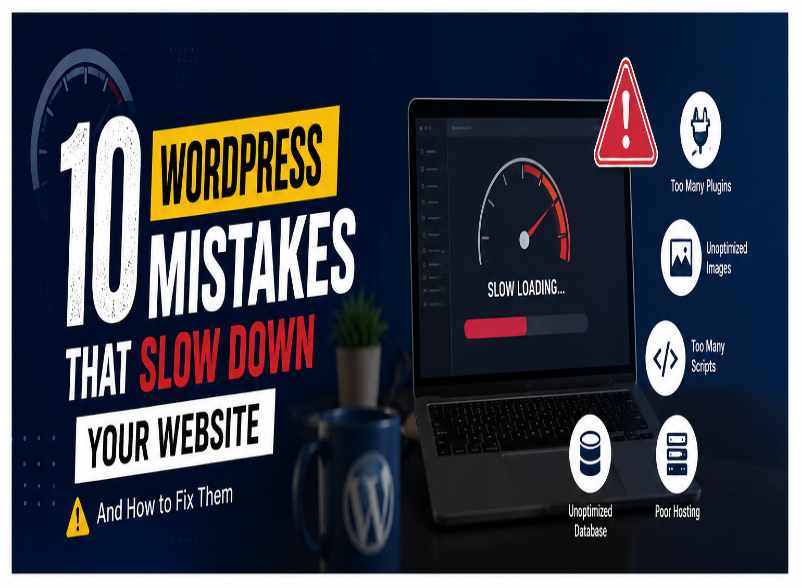
Introduction WordPress Mistakes
Website speed plays a crucial role in the success of any website. A fast-loading website not only provides a better user experience but also helps improve search engine rankings and increases conversions. In today’s digital world, users expect websites to load quickly, and even a few seconds of delay can cause visitors to leave the site. For WordPress websites, speed optimization is especially important because the platform offers thousands of themes and plugins that can impact performance.
Many website owners focus only on the design and content of their websites while ignoring performance. However, search engines like Google consider page speed as an important ranking factor. A slow website can negatively affect SEO, reduce organic traffic, and lower user engagement. According to various studies, visitors often leave a website if it takes more than a few seconds to load. This means that website speed directly impacts bounce rates, customer satisfaction, and overall business growth.
One of the most common reasons behind slow WordPress websites is the installation of too many plugins. While plugins add functionality, having unnecessary or poorly coded plugins can increase loading time and consume server resources. Many users install multiple plugins that perform similar tasks, which creates conflicts and affects performance.
Another major issue is using large and unoptimized images. High-resolution images may look attractive, but they can significantly increase page size and loading time. Compressing images and using modern formats can help improve website speed without sacrificing quality.
Choosing poor-quality hosting is another mistake many website owners make. Cheap hosting plans often provide limited resources, resulting in slow server response times. A reliable hosting provider with optimized WordPress servers can make a significant difference in website performance.
Outdated themes and plugins can also slow down a website. Developers regularly release updates that improve performance, fix bugs, and enhance security. Ignoring these updates can lead to compatibility issues and reduced speed.
Many WordPress websites also suffer from unoptimized databases. Over time, databases collect unnecessary revisions, spam comments, and temporary data that increase database size. Regular database cleanup helps improve query performance and loading speed.
Heavy page builders and poorly designed themes may add excessive CSS and JavaScript files. While visual builders provide convenience, they can generate unnecessary code that affects page speed. Choosing lightweight themes and optimizing scripts can help improve performance.
Caching is another important factor. Without caching, WordPress generates pages dynamically for every visitor, increasing server load. Caching plugins create static versions of pages, allowing websites to load much faster.
Additionally, websites that use too many external scripts, advertisements, fonts, and tracking codes often experience slower loading times. Reducing unnecessary requests can improve overall performance.
In conclusion, website speed directly impacts SEO, user experience, and conversions. Many WordPress websites become slow because of simple mistakes that can easily be fixed. By optimizing images, using quality hosting, updating themes and plugins, enabling caching, and reducing unnecessary resources, website owners can significantly improve their site’s speed and performance. A faster WordPress website not only ranks better in search engines but also provides a better experience for visitors and helps achieve business goals more effectively.
Regular website audits and performance monitoring are equally important. Tools such as Google PageSpeed Insights, GTmetrix, and Lighthouse can help identify performance issues and provide recommendations for improvement. By continuously monitoring website speed and implementing best practices, WordPress website owners can maintain optimal performance, improve user satisfaction, and stay ahead of their competitors in the digital marketplace.
WordPress Mistakes:
- Installing too many plugins
- Using cheap hosting
- Uploading large images
- Not using caching
- Heavy page builders
- Outdated themes
- Unoptimized databases
- Too many external scripts
- No CDN
- Unused plugins
Conclusion
Regular optimization can significantly improve website performance and search rankings.